TechHand Pro Solutions · Buhl & Twin Falls

SPEED IT UP.

Faster startup. Cleaner system. Protection that actually sticks. Tune-ups and virus removal for Buhl, Twin Falls, Filer, and Gooding: viruses removed, junk programs cleared out, startup sped up, and defense put in place. Full tune-ups start around $99. Typical turnaround: 1–2 business days for most tune-ups.

  • Security-first
  • Real speed gains
  • No upselling
  • 1–2 day typical turnaround
01

What we clean up

Two sides of the same job: remove what is hurting the system, then tune what is slowing it down.

  • Viruses & malware out — checked with more than one professional tool, not a single scan-and-reboot
  • Deep cleanup after infection — leftover damage cleared, not just a surface wipe
  • Startup sped up — sneaky programs, junk, and pre-installed clutter removed
  • Protection set right — updates installed and defenses configured so they actually protect
01 · Security

VIRUSES & SECURITY

Thorough removal, plus the protection that keeps infections from coming straight back.

  • Checked with multiple professional tools, not just one scan
  • Deep cleanup after infection—not just a surface scan
  • Security updates installed and settings locked down
  • Your protection set up properly so it actually protects
02 · Performance

SPEED

Targeted tuning so the machine starts faster, responds quicker, and stays that way.

  • Programs that sneak into startup get cleared out
  • Junk and leftover files removed
  • Pre-installed clutter you never asked for, gone
  • Storage cleaned up and organized for speed
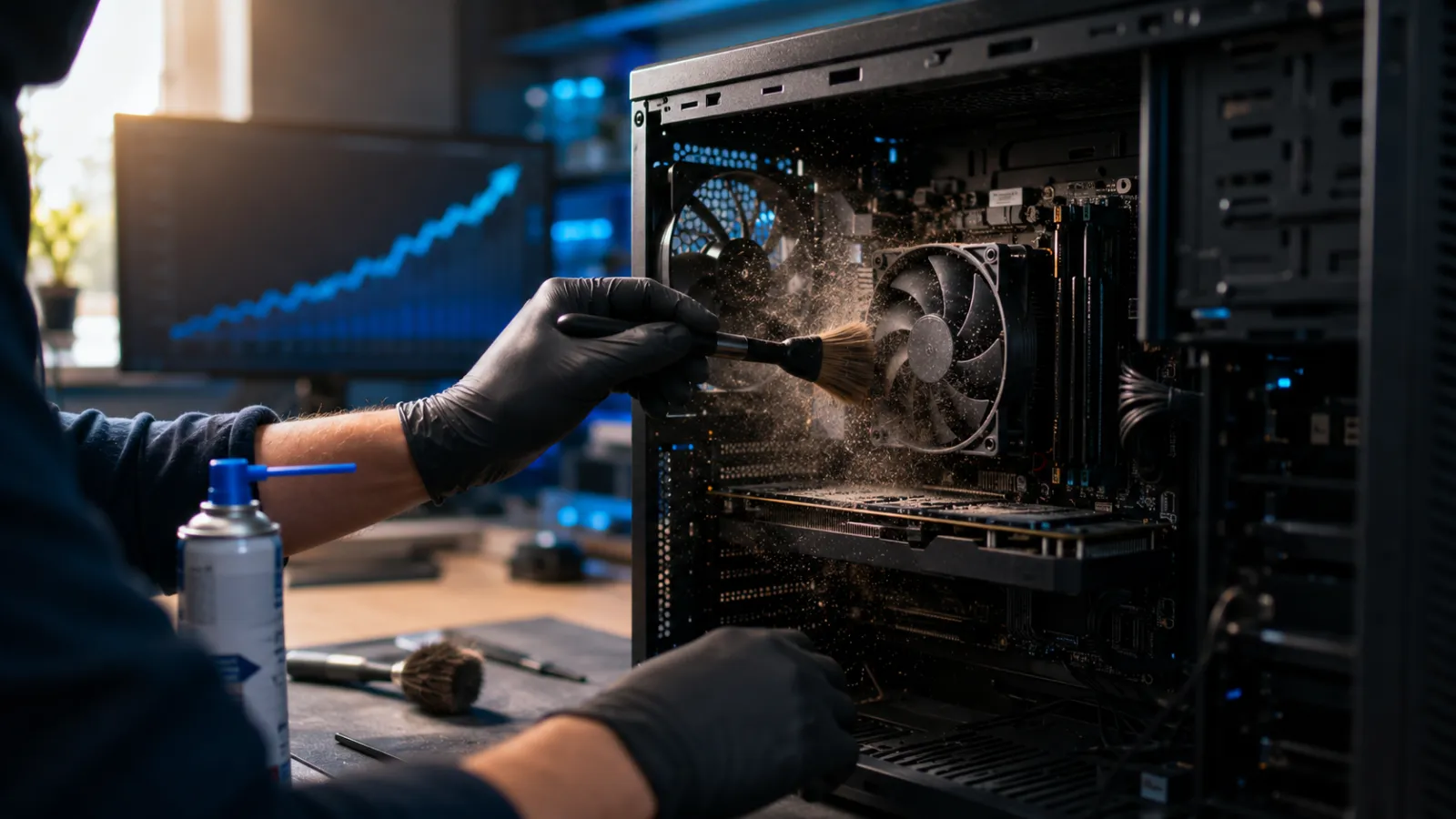
Desktop PC being cleaned and tuned on a workbench
02

Why our tune-ups work

Specific commitments—not vague claims—so you know how the job will go before you drop the machine off.

Security

Security-first cleanup

We remove malware with multiple tools and cross-check results—not just a quick scan and a reboot. You leave with clear, simple steps for staying protected.

Performance

Real performance gains

Startup times typically drop noticeably after a session. We’ll show you before and after if you want to see the difference.

Honest service

No upselling

If your machine genuinely needs a hardware replacement, we’ll tell you. But we won’t recommend it if the problem can be fixed in software.

03

How a tune-up works

Listen first, quote second, work third, verify before handoff.

STEP 1

Tell us what’s going on

Long startup, browser problems, pop-ups, or general sluggishness—call, text, or send a message and we figure out the right next step.

STEP 2

Assess & quote

We look at the machine, confirm whether it is software, security, or hardware, and give you a clear price before any paid work starts.

STEP 3

Cleanup & hardening

Infections out, junk cleared, startup tuned, updates applied, and protection set up so the fix is more than a temporary wipe.

STEP 4

Verify & hand back

We confirm the machine boots cleaner and runs better, then walk you through what changed and how to keep it that way.

Our promise
A clear quote before work starts, honest advice about whether a repair is worth it, and work that’s tested before we hand it back. If something isn’t right, we make it right.
No surprises—that’s the whole policy.
04

What clients say

05

Common questions

Quick answers before you drop the machine off—we’re happy to cover the rest on the phone.

How long does a tune-up take?

Most tune-ups take 1–2 business days. Heavily infected systems or machines that need deeper cleanup can take longer—we tell you what we found before the clock runs.

What is included in a tune-up?

Virus and malware removal, junk and leftover file cleanup, startup optimization, bloatware removal, security updates, and hardening so problems are less likely to come straight back.

How much does a tune-up cost?

Every job starts with a clear quote you approve before work begins. Full tune-ups have a published starting rate on our pricing page—we confirm the final scope for your machine before anything is charged.

See tune-up pricing →
Is this different from hardware repair?

Yes. A tune-up cleans and optimizes software, security, and performance. If the slowdown is a failing drive, bad RAM, or another hardware fault, we diagnose that and quote repair separately—no guessing.

Laptop & desktop repair →
Will the infection come back?

We remove what is there, clean the leftover damage, install updates, and set protection up properly. No cleanup is permanent if someone keeps clicking risky links—but we leave you with clear, simple steps to stay protected.

Ready to speed up your system?

LET'S GET IT
SNAPPY.