In this article
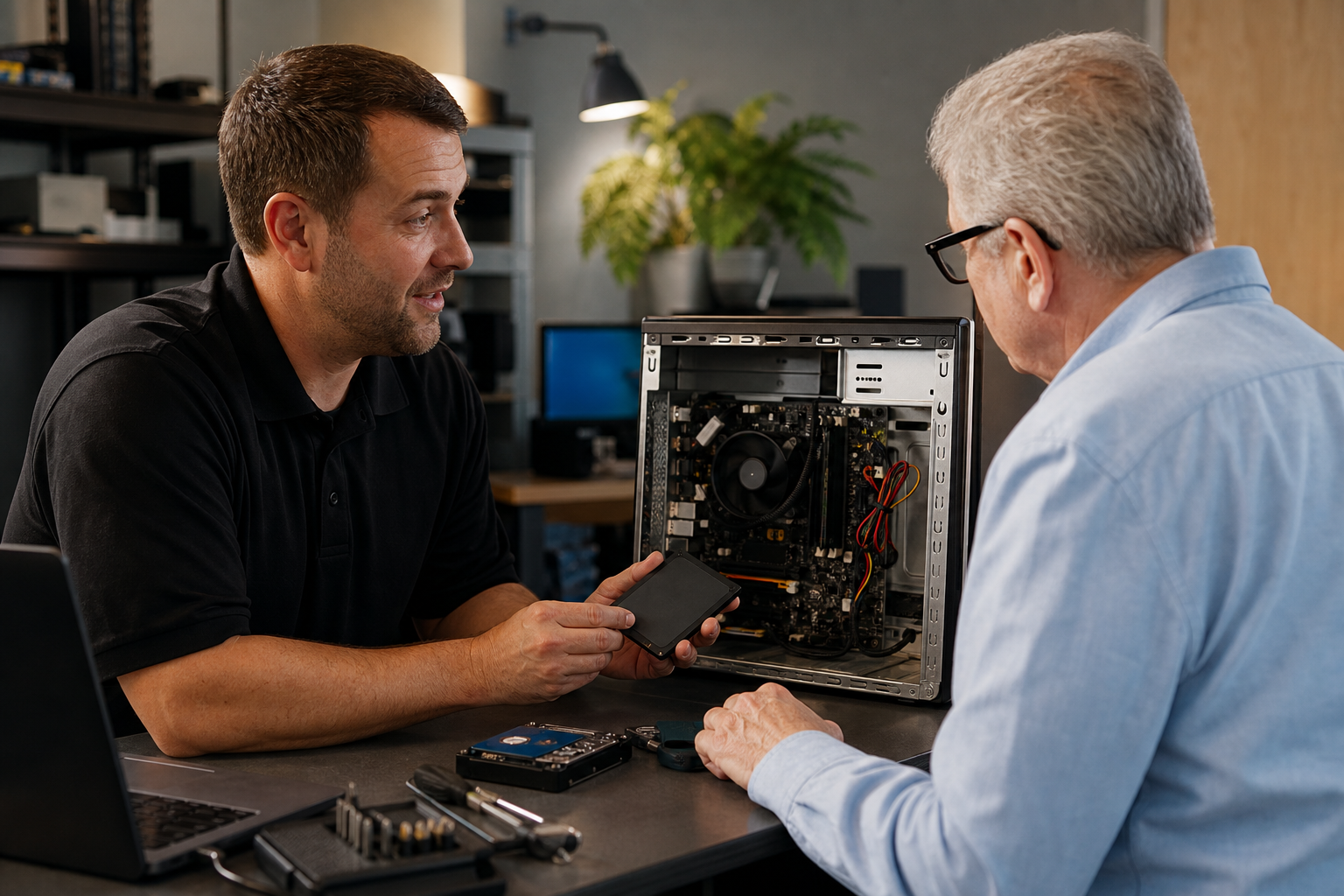
Upgrading your computer’s storage or improving its performance can feel overwhelming if you’re not sure what’s involved. The Clone with Tune-Up and Drive Install Bundle is a service offered locally that helps make this process straightforward. It covers cloning your current drive to a new HDD or SSD, performing a system tune-up, and installing the new drive—ideal for those looking to boost speed or expand storage.
Common Misconceptions About the Service
Myth: The service price includes all parts and labor.
Reality: The $202.50 flat rate covers labor only. Any required parts—such as a new HDD or SSD—are quoted separately after diagnosis and must be approved before installation.
Myth: It’s always a quick fix.
Reality: The time needed depends on the job’s complexity, part availability, and current queue. After a $75 diagnostic minimum, you’ll receive an estimated timeline and options by the next business day.
Myth: DIY is risk-free for everyone.
Reality: While some users may attempt this themselves using tools like Macrium Reflect or Clonezilla, mistakes can lead to data loss or hardware issues. Professional help reduces these risks and ensures your data is handled carefully.
DIY vs. Professional Service: What to Consider
If you’re comfortable with hardware and software tools, you might try cloning your drive yourself. However, potential risks include:
- Losing data due to incorrect procedures
- Accidentally damaging drives during installation
- Missing underlying malware or performance issues
For most people—especially without technical experience—professional service is recommended for safe data handling and optimal results.
The Value for Buhl, Twin Falls, and Magic Valley Residents
This bundle is available throughout Buhl, Twin Falls, Filer, Kimberly, Jerome, and the wider Magic Valley area. Local residents benefit from clear pricing structures and free local travel within service areas (travel fees may apply outside standard zones). Whether you’re upgrading at home or for your business devices, this approach streamlines the process while keeping costs transparent.
How to Prepare for Your Service Appointment
- Confirm your location for eligibility on free local travel
- Have your device ready for drop-off, pickup, or on-site visit
- Be ready to discuss goals (e.g., faster boot times or more storage)
- Review any additional parts or services after diagnostic approval
Your system will be returned tuned up and ready for daily use once work is complete.
Main Takeaways
- The Clone with Tune-Up and Drive Install Bundle includes drive cloning, installation of new storage hardware (HDD/SSD), and system optimization.
- The $202.50 flat rate covers labor only; all parts are quoted separately after diagnostic approval.
- A professional approach helps prevent data loss or hardware damage during upgrades.
- Buhl, Twin Falls, Filer, Kimberly, Jerome, and Magic Valley residents can access transparent pricing with free local travel in standard areas.
- Prepare your device ahead of time and clarify upgrade goals before service begins.